AdministeringPeopleReference
Roles and licenses
Roles, Full and Basic licenses, and the permission grid: the defaults for each, the locks, and who can change whose.
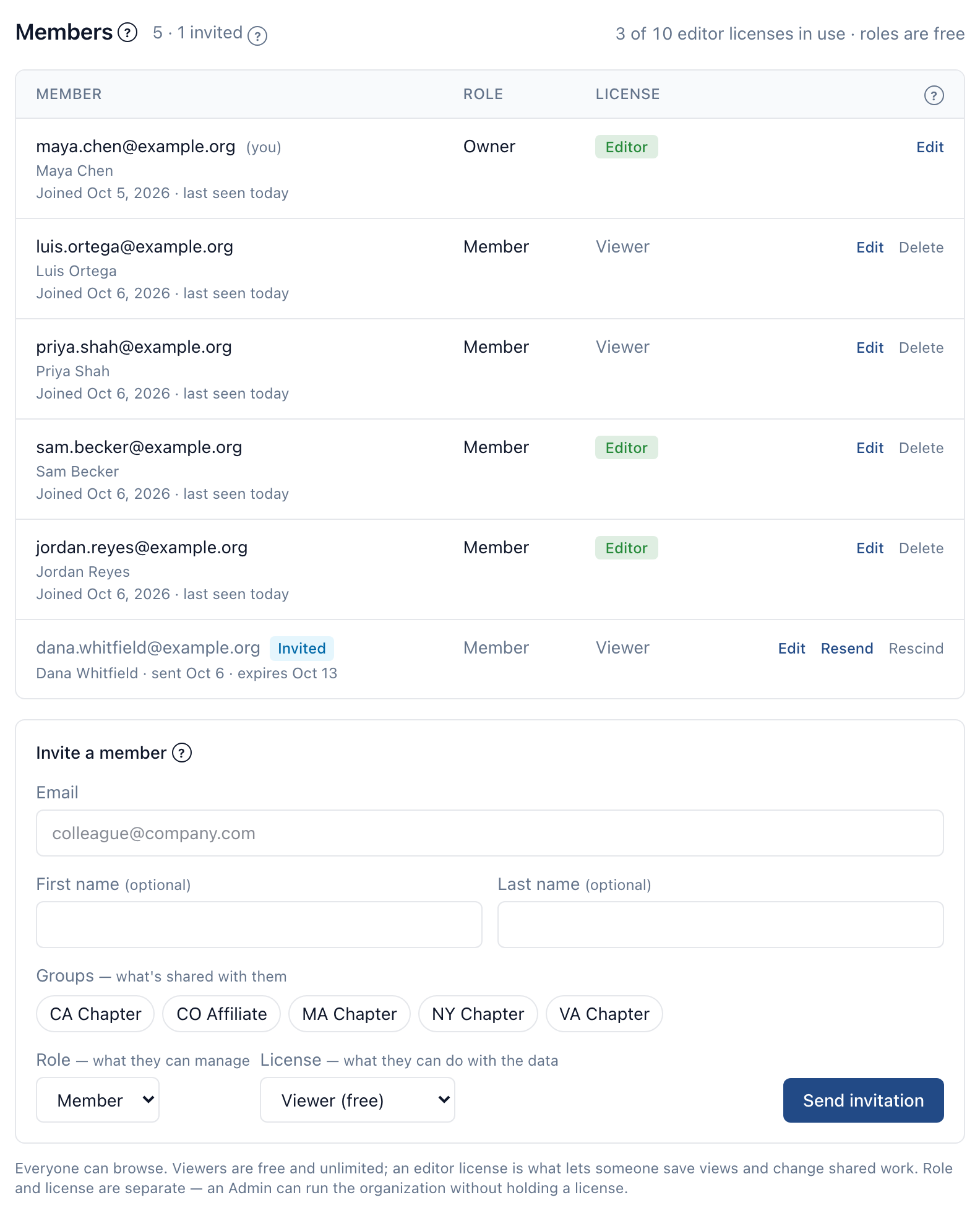
Everyone who signs in to CapitolMath belongs to an organization — a team, a company, a coalition, or just you. Within an organization, each member has a role, a license, and their own permissions:
- A role — Owner, Admin or Team member — sets their default permissions and what they can never have. Owners run the organization: its profile, billing, ownership and closing. Admins administer members, groups and settings. Team members are the organization's own staff and volunteers.
- A license — Full or Basic — decides whether they can change the organization's work. A Full license is a paid seat; Basic licenses are free and unlimited. A Basic member reads, writes their own notes, and changes nothing else.
- Their permissions start at the defaults for their role and license. Owners and Admins then turn individual permissions on or off in the member's form, within the limits below.
Role and license combine freely, with one exception: Owners always hold a Full license. An Admin with a Basic license administers members and settings without changing the work; a Team member with a Full license does the work without administering anyone. Whoever creates an organization is its Owner and holds a Full license.
Making someone an Owner — by changing their role, inviting them as one, or recovering the organization — gives them a Full license at the same time. If every Full license is in use, the change waits until one is free: move a member who isn't an Owner to Basic, or add Full licenses to the plan. An Owner can't be moved to Basic, and a plan change never takes an Owner's license; when you choose who keeps a Full license on a smaller plan, every Owner keeps theirs.
Permissions belong to one organization. Someone in two organizations has a separate role, license and set of permissions in each, and nothing carries from one to the other. An API key, an MCP session or a conversation with the assistant acts with the permissions of the member it belongs to, in that organization.
The permission grid#
Permissions are set per row and action, in sections that follow the app's menus. The actions are Read, Create, Update, Delete, Read All, Manage All and, where a row has it, Export to CSV; rows that are a single permission take one Enabled box. An action a row doesn't take is grayed.
- Read All lets a member read every item of that kind in the organization, whatever its sharing. Manage All lets them edit, delete and reshare every one.
- Create, Update and Delete on notes cover the member's own notes. Revoking an API key is an Update; keys are never deleted, so revoked keys stay in the audit trail.
- The Explore rows govern exporting the public record, which everyone can read.
- REST Docs and Help are display settings. Each shows or hides the link in that person's menus; the pages themselves are public, so turning one off never stops anyone opening them.
| Row | Actions |
|---|---|
| Integration | |
| REST DocsShows or hides the link in this person's menus. The pages themselves are public. | Read |
| REST Open APICalling /v1 with an API key. | Read |
| MCPCalling CapitolMath from an outside assistant through the MCP server. | Read |
| Bulk datasets | Read |
| API keysRevoking a key is an Update; keys are never deleted, so revoked keys stay in the audit trail. | Read, Create, Update, Read All, Manage All |
| Widgets | Read, Create, Update, Delete, Read All, Manage All |
| Webhooks | Read, Create, Update, Delete, Read All, Manage All |
| Explore | |
| LegislationEveryone reads the public record; these rows govern exporting it. | Export to CSV |
| Elected officials | Export to CSV |
| Committees | Export to CSV |
| Calendar | Export to CSV |
| HelpShows or hides the link in this person's menus. The pages themselves are public. | Read |
| Notes for | |
| LegislationNotes on tracked bills. Everyone writes, edits and deletes their own; a tracked bill's owner also deletes others' notes on it; Manage All edits and deletes anyone's. | Read, Create, Update, Delete, Read All, Manage All |
| Elected officialsNotes and logged meetings on legislators, governors and other statewide officials. Each note is seen by the whole team, a group or only its author; Read All reaches group and Only me notes, each Only me read audited and shown to its author. | Read, Create, Update, Delete, Read All, Manage All |
| CommitteesNotes and logged meetings on committees, also shown on each of the committee's hearings. | Read, Create, Update, Delete, Read All, Manage All |
| CalendarNotes on hearings. | Read, Create, Update, Delete, Read All, Manage All |
| ClientsArrives with its feature. | Read, Create, Update, Delete, Read All, Manage All |
| Saved views for | |
| Legislation | Read, Create, Update, Delete, Read All, Manage All |
| Elected officials | Read, Create, Update, Delete, Read All, Manage All |
| CommitteesArrives with its feature. | Read, Create, Update, Delete, Read All, Manage All |
| Calendar | Read, Create, Update, Delete, Read All, Manage All |
| Tracked items and lists | Read, Create, Update, Delete, Read All, Manage All |
| Tracking | |
| Tracked items | Read, Create, Update, Delete, Read All, Manage All, Export to CSV |
| ClientsA client is seen by its account manager, those it is shared with and Read All; changed by its account manager and editors with Update, or Manage All. Access list page and dashboard opens Tracking › Clients. | Read, Create, Update, Delete, Read All, Manage All, Export to CSV, Access list page and dashboard |
| TasksA task is seen by whoever can see its subject, so Read All is grayed. | Read, Create, Update, Delete, Manage All, Export to CSV |
| Scorecards | Read, Create, Update, Delete, Read All, Manage All |
| ReportsA report reflects its owner's access. Sending a link is changing it. Export to CSV follows Export to CSV on Tracked items unless changed here. | Read, Create, Update, Delete, Read All, Manage All, Export to CSV |
| Manage triage sourcesTurning a saved view's Tracking section on or off and changing it, Organization › Triage sources, and undoing dismissals. | Enabled |
| Administration | |
| Manage organization profile | Enabled |
| Manage members | Enabled |
| Manage groups | Enabled |
| Manage saved view categories | Enabled |
| Manage workflow settingsArrives with its feature. | Enabled |
| View audit log | Enabled |
| View plan and usage | Enabled |
| View recovery settings | Enabled |
| Manage SSO | Enabled |
| Manage billing | Enabled |
| Manage recovery | Enabled |
| Transfer ownership | Enabled |
| Export organization | Enabled |
| Close organization | Enabled |
| Other | |
| Ask assistant questions | Enabled |
| Access My workTracking › My work: the Inbox, My bills, and the weekly email. Tracking a bill from the Inbox also needs Create on Tracked items. | Enabled |
Default permissions#
What each role and license holds before anyone changes it. R Read · C Create · U Update · D Delete · RA Read All · MA Manage All · X Export to CSV · L Access list page and dashboard · On a single permission. Actions listed are on and can be turned off; grantable ones are off and can be turned on; a dash, or an action not listed, is locked off. An asterisk marks a box that can't be turned off. Owners hold every box.
| Row | Admin, Full | Admin, Basic | Team member, Full | Team member, Basic | Client member |
|---|---|---|---|---|---|
| Integration | |||||
| REST DocsShows or hides the link in this person's menus. The pages themselves are public. | R | R | R | R | grantable: R |
| REST Open API | R | R | R | R | grantable: R |
| MCP | R | R | R | R | grantable: R |
| Bulk datasets | R | R | R | R | — |
| API keys | R* C* U RA* MA* | R U RA MA | grantable: R C U | — | — |
| Widgets | R C U D RA MA | R U RA MA | R · grantable: C U D RA MA | R · grantable: RA | — |
| Webhooks | R C U D RA MA | R RA MA | R · grantable: C U D RA MA | R · grantable: RA | — |
| Explore | |||||
| Legislation | X | — | X | — | — |
| Elected officials | X | — | X | — | — |
| Committees | X | — | X | — | — |
| Calendar | X | — | X | — | — |
| HelpShows or hides the link in this person's menus. The pages themselves are public. | R | R | R | R | R |
| Notes for | |||||
| Legislation | R* C U D RA MA | R* C U D RA MA | R C U D | R C U D | R C U D |
| Elected officials | R* C U D RA MA | R* C U D RA MA | R C U D | R C U D | R C U D |
| Committees | R* C U D RA MA | R* C U D RA MA | R C U D | R C U D | R C U D |
| Calendar | R* C U D RA MA | R* C U D RA MA | R C U D | R C U D | R C U D |
| Clients | R* C U D RA MA | R* C U D RA MA | R C U D | R C U D | R C U D |
| Saved views for | |||||
| Legislation | R* C U D RA MA | R RA MA | R C U D · grantable: RA MA | R · grantable: RA | R |
| Elected officials | R* C U D RA MA | R RA MA | R C U D · grantable: RA MA | R · grantable: RA | R |
| Committees | R* C U D RA MA | R RA MA | R C U D · grantable: RA MA | R · grantable: RA | R |
| Calendar | R* C U D RA MA | R RA MA | R C U D · grantable: RA MA | R · grantable: RA | R |
| Tracked items and lists | R* C U D RA MA | R RA MA | R C U D · grantable: RA MA | R · grantable: RA | R |
| Tracking | |||||
| Tracked items | R* C U D RA MA X | R RA | R C U D X · grantable: RA MA | R · grantable: RA | R |
| Clients | R* C U D RA MA X L | R C U D RA MA L | R U X L · grantable: RA | R L · grantable: RA | R · grantable: L |
| Tasks | R C U D MA X | R | R C U D X · grantable: MA | R | — |
| Scorecards | R C U D RA MA | R RA MA | R C U D · grantable: RA MA | R · grantable: RA | R |
| Reports | R C U D RA MA X | R RA MA | R C U D X · grantable: RA MA | R · grantable: RA | R |
| Manage triage sources | On | On | On | — | — |
| Administration | |||||
| Manage organization profile | grantable: On | grantable: On | — | — | — |
| Manage members | On | On | — | — | — |
| Manage groups | On | On | — | — | — |
| Manage saved view categories | On | On | — | — | — |
| Manage workflow settings | On | On | — | — | — |
| View audit log | On | grantable: On | — | — | — |
| View plan and usage | On | On | — | — | — |
| View recovery settings | On | On | — | — | — |
| Manage SSO | grantable: On | grantable: On | — | — | — |
| Manage billing | — | — | — | — | — |
| Manage recovery | — | — | — | — | — |
| Transfer ownership | — | — | — | — | — |
| Export organization | — | — | — | — | — |
| Close organization | — | — | — | — | — |
| Other | |||||
| Ask assistant questions | On | On | On | On | On |
| Access My work | On | grantable: On | On | grantable: On | — |
A fourth column, Client member, is for a client's own people in organizations that work for clients — they arrive with clients, on the Pro and Scale plans.
Locks#
A box the role, license or plan doesn't allow is disabled in the form, with the reason beside it. Locks apply when permissions are read and are never stored, so they always follow the member's current role, license and plan.
| Why it's locked | Layer | For | Boxes |
|---|---|---|---|
| Client members don't use integrations, tasks, triage or My work. | Client member | Client member | Read on Bulk datasets; Read on API keys; Create on API keys; Update on API keys; Read on Widgets; Create on Widgets; Update on Widgets; Delete on Widgets; Read on Webhooks; Create on Webhooks; Update on Webhooks; Delete on Webhooks; Read on Tasks; Create on Tasks; Update on Tasks; Delete on Tasks; Manage triage sources; Access My work |
| Creating or holding API keys needs a Full license. | License | Team member, Basic, Admin, Basic | Read on API keys; Create on API keys; Update on API keys |
| Read All and Manage All on notes and API keys are for Admins. | Role | Team member, Full, Team member, Basic | Read All on API keys; Manage All on API keys; Read All on notes for Legislation; Manage All on notes for Legislation; Read All on notes for Elected officials; Manage All on notes for Elected officials; Read All on notes for Committees; Manage All on notes for Committees; Read All on notes for Calendar; Manage All on notes for Calendar; Read All on notes for Clients; Manage All on notes for Clients |
| Client members never see past their own client. | Client member | Client member | Read All on API keys; Manage All on API keys; Read All on Widgets; Manage All on Widgets; Read All on Webhooks; Manage All on Webhooks; Read All on notes for Legislation; Manage All on notes for Legislation; Read All on notes for Elected officials; Manage All on notes for Elected officials; Read All on notes for Committees; Manage All on notes for Committees; Read All on notes for Calendar; Manage All on notes for Calendar; Read All on notes for Clients; Manage All on notes for Clients; Read All on saved views for Legislation; Manage All on saved views for Legislation; Read All on saved views for Elected officials; Manage All on saved views for Elected officials; Read All on saved views for Committees; Manage All on saved views for Committees; Read All on saved views for Calendar; Manage All on saved views for Calendar; Read All on saved views for Tracked items and lists; Manage All on saved views for Tracked items and lists; Read All on Tracked items; Manage All on Tracked items; Read All on Clients; Manage All on Clients; Manage All on Tasks; Read All on Scorecards; Manage All on Scorecards; Read All on Reports; Manage All on Reports |
| A Basic license can't create, change or delete, except their own notes. | License | Admin, Basic, Team member, Basic | Create on Widgets; Update on Widgets; Delete on Widgets; Manage All on Widgets; Create on Webhooks; Update on Webhooks; Delete on Webhooks; Manage All on Webhooks; Create on saved views for Legislation; Update on saved views for Legislation; Delete on saved views for Legislation; Manage All on saved views for Legislation; Create on saved views for Elected officials; Update on saved views for Elected officials; Delete on saved views for Elected officials; Manage All on saved views for Elected officials; Create on saved views for Committees; Update on saved views for Committees; Delete on saved views for Committees; Manage All on saved views for Committees; Create on saved views for Calendar; Update on saved views for Calendar; Delete on saved views for Calendar; Manage All on saved views for Calendar; Create on saved views for Tracked items and lists; Update on saved views for Tracked items and lists; Delete on saved views for Tracked items and lists; Manage All on saved views for Tracked items and lists; Update on Clients; Create on Scorecards; Update on Scorecards; Delete on Scorecards; Manage All on Scorecards; Create on Reports; Update on Reports; Delete on Reports; Manage All on Reports |
| Exporting needs a Full license. | License | Admin, Basic, Team member, Basic | Export to CSV on Legislation; Export to CSV on Elected officials; Export to CSV on Committees; Export to CSV on Calendar; Export to CSV on Tracked items; Export to CSV on Clients; Export to CSV on Tasks; Export to CSV on Reports |
| Client members don't export to CSV. | Client member | Client member | Export to CSV on Legislation; Export to CSV on Elected officials; Export to CSV on Committees; Export to CSV on Calendar; Export to CSV on Tracked items; Export to CSV on Clients; Export to CSV on Tasks; Export to CSV on Reports |
| Client members have a Basic license, which can't create, change or delete, except their own notes. | License | Client member | Create on saved views for Legislation; Update on saved views for Legislation; Delete on saved views for Legislation; Create on saved views for Elected officials; Update on saved views for Elected officials; Delete on saved views for Elected officials; Create on saved views for Committees; Update on saved views for Committees; Delete on saved views for Committees; Create on saved views for Calendar; Update on saved views for Calendar; Delete on saved views for Calendar; Create on saved views for Tracked items and lists; Update on saved views for Tracked items and lists; Delete on saved views for Tracked items and lists; Create on Tracked items; Update on Tracked items; Delete on Tracked items; Create on Clients; Update on Clients; Delete on Clients; Create on Scorecards; Update on Scorecards; Delete on Scorecards; Create on Reports; Update on Reports; Delete on Reports |
| A Basic license can't create, change or delete tracked items or tasks, or own or take them. | License | Admin, Basic, Team member, Basic | Create on Tracked items; Update on Tracked items; Delete on Tracked items; Manage All on Tracked items; Create on Tasks; Update on Tasks; Delete on Tasks; Manage All on Tasks |
| Creating, deleting and managing every client are for Admins. | Role | Team member, Full, Team member, Basic | Create on Clients; Delete on Clients; Manage All on Clients |
| Managing triage sources needs a Full license. | License | Team member, Basic | Manage triage sources |
| Only Owners and Admins administer the organization. | Role | Team member, Full, Team member, Basic, Client member | Manage organization profile; Manage members; Manage groups; Manage saved view categories; Manage workflow settings; View audit log; View plan and usage; View recovery settings; Manage SSO |
| Billing, recovery, ownership, exporting and closing the organization are the Owner's. | Role | Admin, Full, Admin, Basic, Team member, Full, Team member, Basic, Client member | Manage billing; Manage recovery; Transfer ownership; Export organization; Close organization |
| Not on your plan. Bulk datasets are on the Pro and Scale plans. | Plan | Everyone, Owners included | Bulk datasets |
| Not on your plan. Clients are on the Pro and Scale plans. | Plan | Everyone, Owners included | Notes for Clients; Clients |
| Not on your plan. Single sign-on is on the Pro and Scale plans. | Plan | Everyone, Owners included | Manage SSO |
Only an Owner can change the verified domain or the contract contact, because together they decide who can recover the organization — be made an Owner — if its administrators are unavailable. An organization always keeps at least one Owner.
Changing permissions#
- Owners change anyone's permissions. Admins who can manage members change team members'. Only an Owner changes an Admin's, and nobody changes their own — the grid shows read-only, with the reason.
- Only differences from the defaults are stored, so a member nobody has adjusted follows the defaults as they are.
- Changing someone's role or license resets their permissions to the new defaults, and the form says so before you save.
- Copy permissions from… copies another member's changes — not their role or license — and only what the member you're editing may hold. It lists anything it left out, and why: "Manage All on Tracked items: needs a Full license".
- Reset to the role's defaults removes every change.
A change applies on the member's next request; nobody needs to sign out. API keys and MCP sessions are checked on every call, so turning off REST Open API or MCP stops that member's keys at once: without REST Open API, their keys can't call /v1, and the link to the OpenAPI spec leaves their menus. Every change is recorded in the audit log: who made it, for whom, which boxes, and who they were copied from.
Two ways to organize the work#
- Larger organizations, with separation of duties. An Admin — often on a free Basic license — changes members, groups and settings. The work is run by a workflow lead: a Team member with a Full license who has been granted Read All and Manage All where they lead. Copy permissions from… makes the setup quick to repeat for several leads.
- Smaller organizations. Whoever distributes and manages the work is simply an Admin with a Full license, with every default on.
API keys for new team members#
A Team member with a Full license doesn't hold API keys, widgets or webhooks by default: they're most likely to track bills, take tasks and write notes. An Owner or Admin grants API keys, Widgets or Webhooks to the few who integrate. Since MCP signs in with a key, a Team member without one can't reach CapitolMath from an outside assistant; the assistant in the app is unaffected. Members who held keys before the permission grid arrived kept them.