AdministeringYour organizationHow to
Organization settings
Change your organization's name, description, tax status and logo — and why tax status matters for a 501(c)(3)'s scorecards.
Applies toOwner · Admin
The Profile section, first under Company information on the Organization page, holds what CapitolMath knows about your organization: its name, a description for your members, its tax status, its time zone and its logo. Owners can change them all, and so can Admins who have been given Manage organization profile; everyone else sees them read-only.
-
Open Organization from the menu under your organization's name, top right.
-
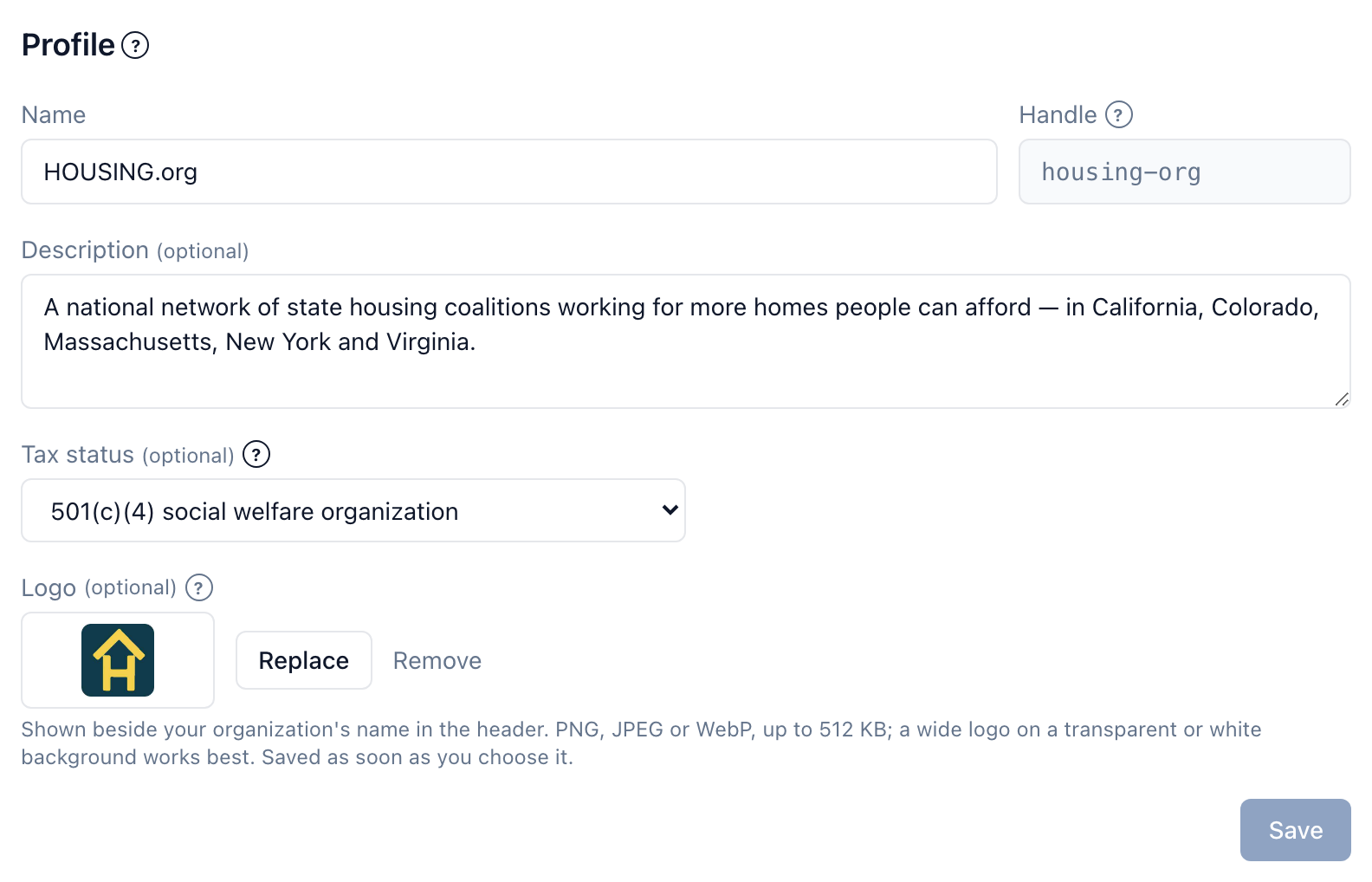
In Profile, change any of these:
- Name — up to 80 characters. It's what members see in the header and in the account menu, and what invitations name.
- Description (optional) — up to 500 characters on what your organization does, for your members.
- Tax status (optional) — For-profit business, 501(c)(3) charity, 501(c)(4) social welfare organization, 501(c)(5) labor organization, 501(c)(6) business league or Government agency. It has no effect on billing.
- Time zone — see below.
-
Select Save. The button is available once something has changed.
Logo#
Your logo appears beside your organization's name in the header, and on the organization's reports. Select Upload logo (or Replace) and choose a PNG, JPEG or WebP image of up to 512 KB. It saves as soon as you choose it — there's no need to select Save. A wide logo on a transparent or white background works best. Remove takes it away.
Time zone#
The organization's Time zone is where its own dates fall: when something becomes overdue, and the dates the organization's work is dated by. Until it's set, it's your home state's — the state your plan covers, on the State plan — and otherwise Eastern Time. Each member also has a time zone of their own, for the dates they see and when their emails arrive; see Your photo and time zone.
Handle#
The Handle is your organization's unique identifier, chosen when the organization was created — housing-org, say. It's shown here but can't be changed from the page; to change it, contact support@capitolmath.ai.
Why tax status matters#
Tax status matters most for legislator scorecards. A 501(c)(3) charity may not intervene in a political campaign for or against a candidate, and a scorecard that grades sitting legislators — especially one published near an election — is the kind of publication that rule can reach. CapitolMath records the status you choose; it doesn't change what the organization can build or publish. If you're unsure which status is yours, or how the rule applies to a particular scorecard, ask your counsel.