SharingWidgetsConcept
About widgets
What a widget is, who can build one, how drafts and publishing work, and the three ways to take one down.
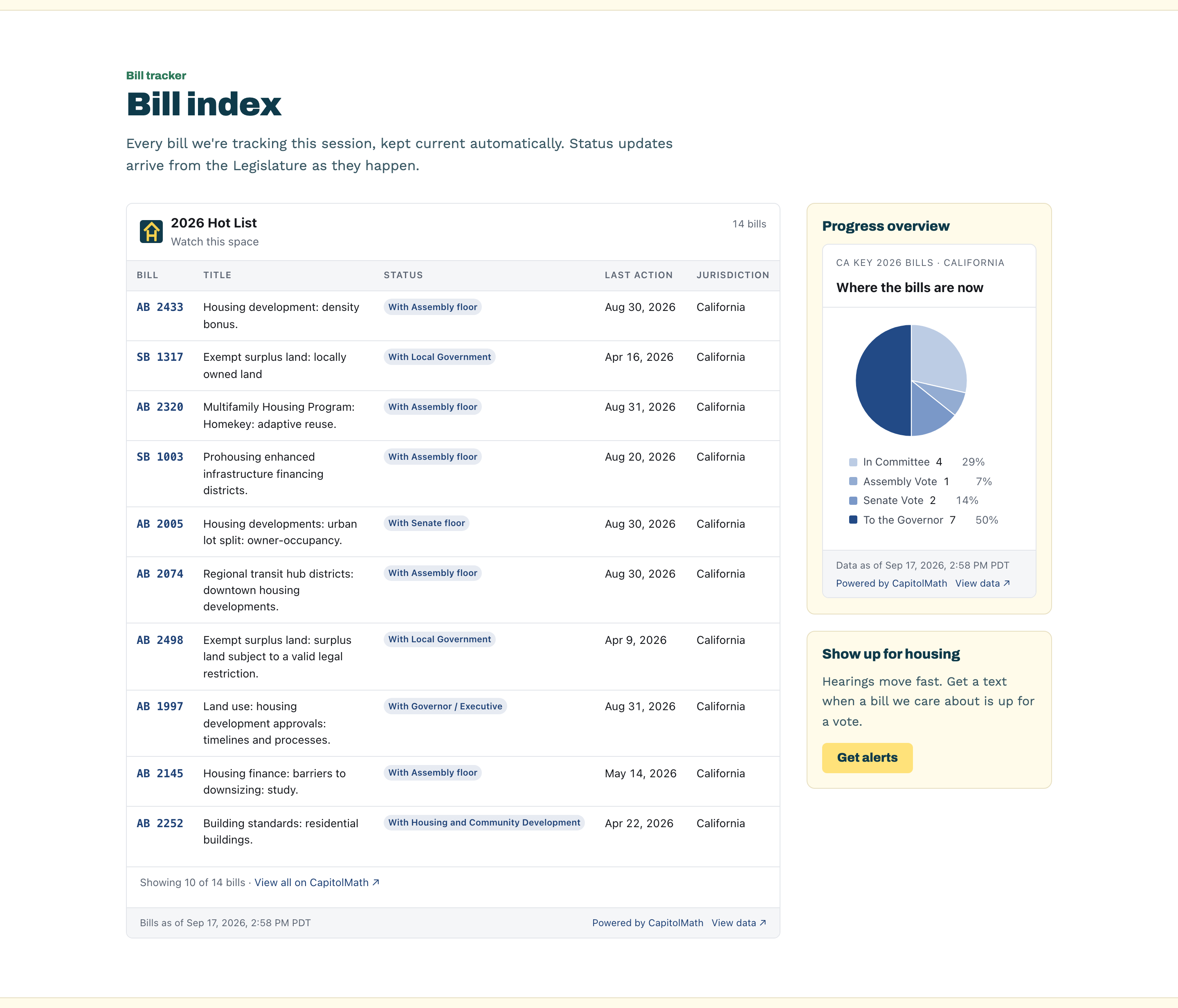
A widget is a live piece of CapitolMath on your own website: the bills you're following, an upcoming hearing, your state's legislators, a dashboard chart, when the session adjourns, or your legislator scorecard. Your page holds a short snippet. What the widget shows comes from CapitolMath and from your saved views, so you change an embed by editing it in CapitolMath — never by editing your website.
Widgets are free to publish and free to view. Viewers don't need to sign in, and widget traffic never counts against your API quota.
Who can build them#
Widgets are built and published by an organization's Owners and Admins, with either license. A widget shows your organization's work to people outside it, so making it public is the organization's decision rather than any one member's. Everyone else who opens Integration → Widgets sees what widgets are, and who in the organization can make one.
What a widget is made of#
Each widget has:
- A topic — Bills, Events, Elected officials, Sessions or Scorecards.
- A source — one record you pick (a bill, a meeting, an official), or a collection: one of the organization's saved views or lists. Session status uses the jurisdictions you choose; a scorecard widget uses one of the organization's scorecards.
- Options — how it's laid out, which panels or columns it shows, what happens when a reader clicks, and how it looks.
When the source is a saved view, the widget follows it. Edit the view's filters and every page the widget is on changes with it. A widget can't show anyone's Bills I watch, because watches are personal and a published widget must rest on something the organization owns.
See Widget types and options for every type and setting.
Drafts and publishing#
A new widget is saved as a Draft. Its embed code exists, but shows nothing until you publish. Publishing asks you to confirm what becomes visible — the saved view's records and count, or the bill, meeting or official — and to whom: anyone who views a page it's embedded on.
Once a widget is Published, saving a change makes it live on every page that embeds it.
Taking one down#
Integration → Widgets lists every widget the organization has built, with who created it, when it was published and last viewed, how many views it has had, and on which sites. Each has three ways down:
| Action | What happens |
|---|---|
| Unpublish | Pages that embed it show a short "not available" line until you publish it again. |
| Replace embed code | Every copy of the current snippet stops working for good. The widget keeps its settings under new code, which you paste wherever it should still appear. |
| Delete | The widget is gone; pages that embed it show the "not available" line. |
These take effect in CapitolMath at once, and on sites that embed the widget within five minutes.
The Publishing record below the list shows who created, changed, published, unpublished, replaced the embed code of or deleted a widget, and when. It's kept after a widget is deleted.
What viewers see, and what's kept#
A widget shows the public record. Two Single bill panels (political lean and whip count), two Single official panels and some charts are CapitolMath's own analysis, and only an organization whose plan includes that analysis can show them. If the plan changes after publishing, those panels are replaced by a single line rather than shown.
Nothing about a widget's viewers is kept — no IP address, cookie or page path — beyond a count of views per embedding site.